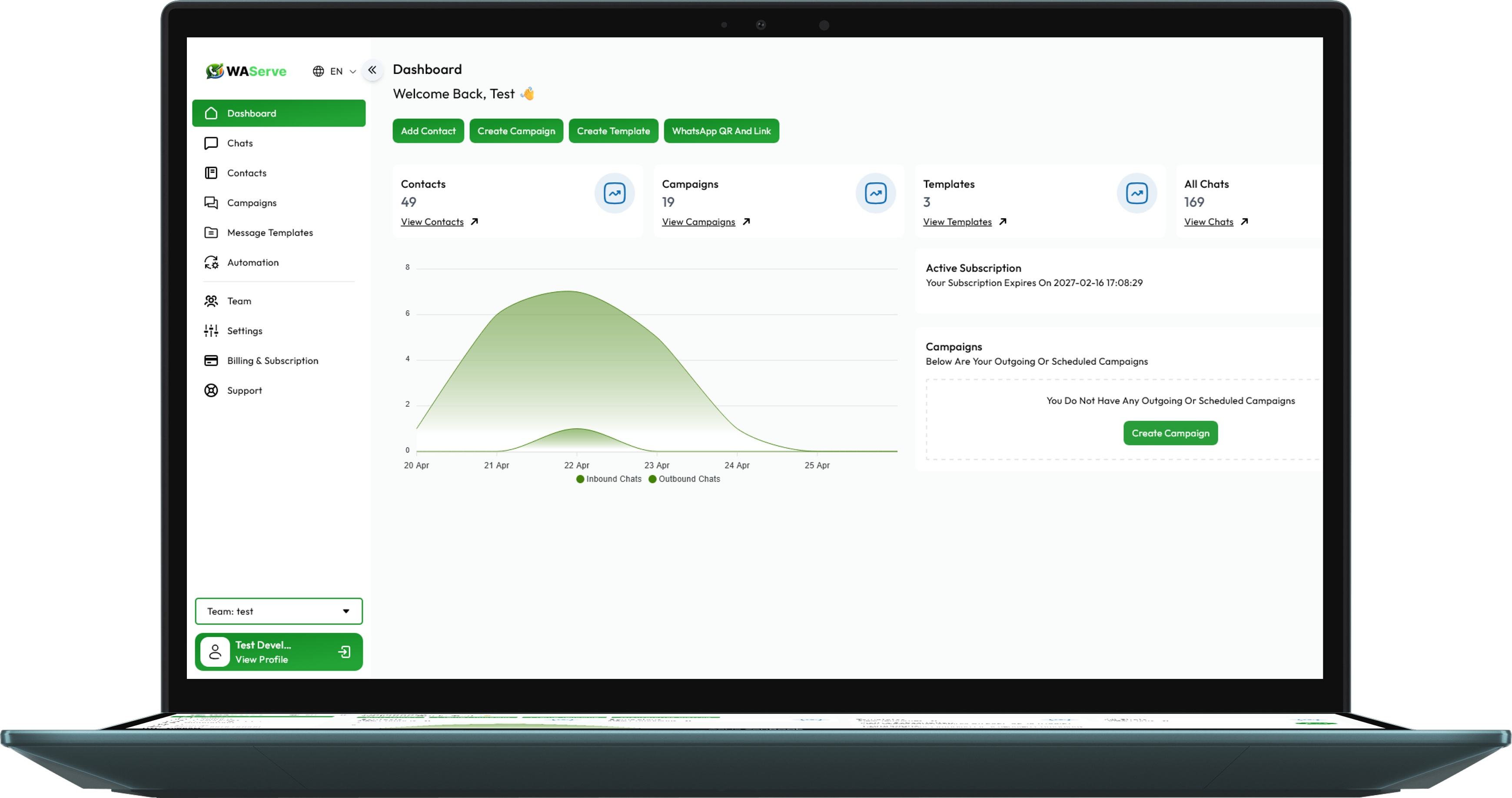
One WhatsApp Number. Your Entire Team Connected.
Empower your sales and customer support teams with a unified, multi-agent WhatsApp shared inbox. Eliminate duplicate replies, assign conversations seamlessly, and maintain complete managerial oversight.
No More Passing Physical Phones Around the Office
Managing WhatsApp Web across multiple browser tabs causes dropped connections, missed leads, and zero accountability. WAServe provides a secure, cloud-hosted collaborative inbox where every customer chat is logged and tracked.
| Inbox Feature | Team Efficiency Gain |
|---|---|
|
Multi-Agent Simultaneous Access
|
5, 20, or 50+ agents can manage customer chats concurrently from one official WhatsApp number. |
|
Conversation Assignment & Ownership
|
Assign chats to specific team members or departments with ticket status tracking to avoid duplicate customer replies. |
|
Private Team Notes & Mentions
|
Leave internal notes on customer profiles for handoffs between sales and support agents. |
|
Canned Responses & Quick Replies
|
Standardize high-quality answers for repetitive questions and speed up agent first-response times. |
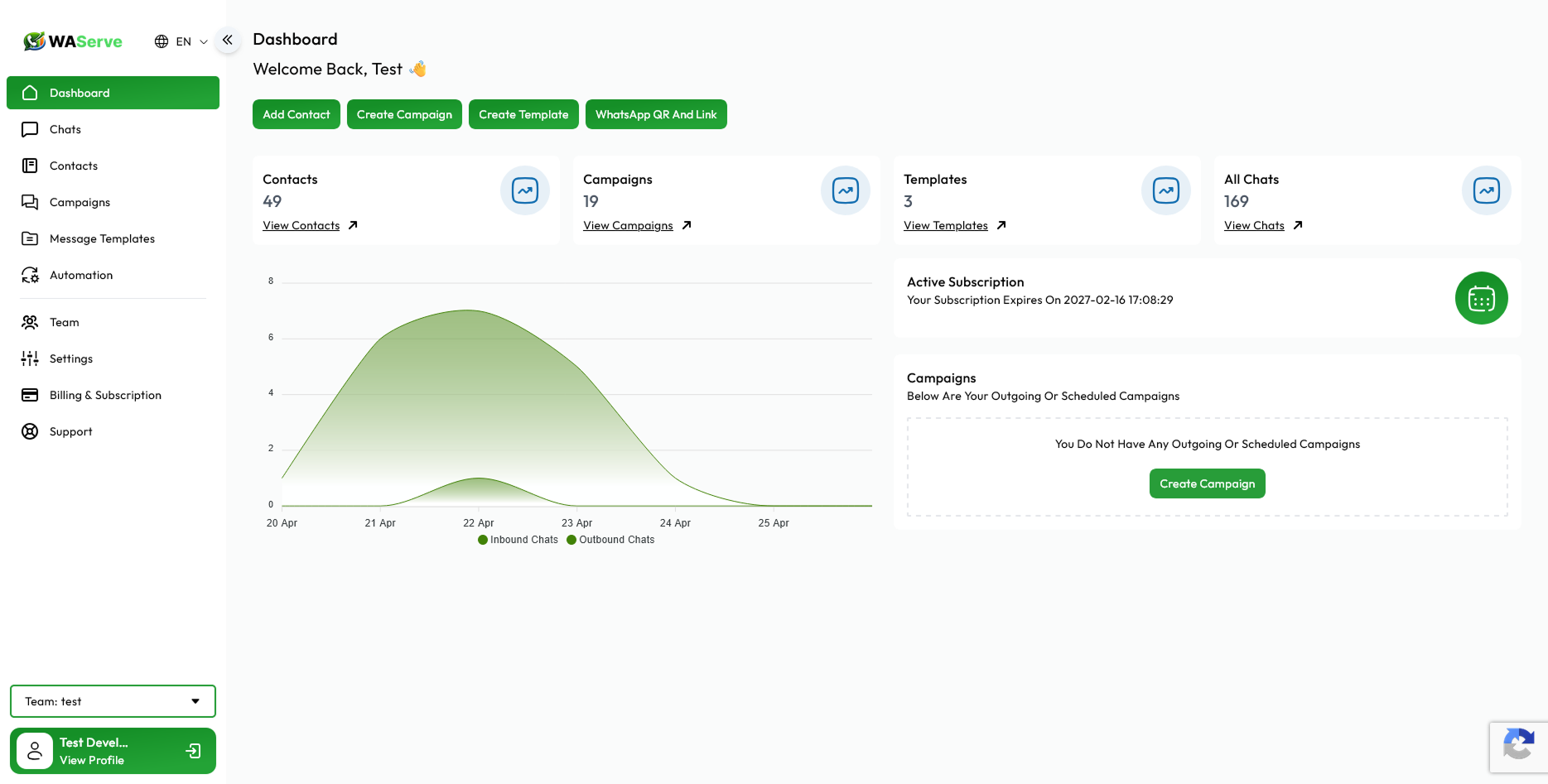
Smart Chat Assignment
Automatically route conversations to specific teams or let managers assign priority leads with one click.
Bot-to-Human Handover
Connect our WhatsApp Chatbot to resolve FAQs 24/7, then transfer qualified prospects seamlessly to live agents.
Role-Based Security
Control who can see, reassign, or export client conversations. Maintain data privacy and prevent customer contact poaching.
Why Teams Upgrade from WhatsApp Web to WAServe
A direct comparison between legacy WhatsApp Web setups and WAServe's cloud-based multi-agent inbox.
| Feature | WhatsApp Web | WAServe Shared Inbox |
|---|---|---|
| Agent Concurrency | Limited to 4 linked devices (frequent disconnects) | Unlimited team agents on cloud dashboard |
| Conversation Ownership | None (all agents see all messages with no owner) | Clear ticket assignment & status tracking |
| Internal Team Collaboration | Requires separate Slack/WhatsApp internal chats | Private internal notes inside the chat thread |
| Data Protection | Anyone with web access can export phone numbers | Role-based permissions & contact protection |
| Marketing & Broadcasts | Manual forward limit of 5 chats; risk of ban | Integrated WhatsApp Broadcasts via Meta API |
Frequently Asked Questions
Clear answers regarding shared inbox setup, team roles, and message routing.


Equip Your Team with an Official WhatsApp Shared Inbox
Streamline team communications, reduce first-response times, and delight customers across every shift. Start free in under 2 minutes.